WiFi Splash Page Builder: Design a Branded Login Page
Your splash page is the first thing customers see. Here's how to make it convert 80%+ of walk-ins into email subscribers.
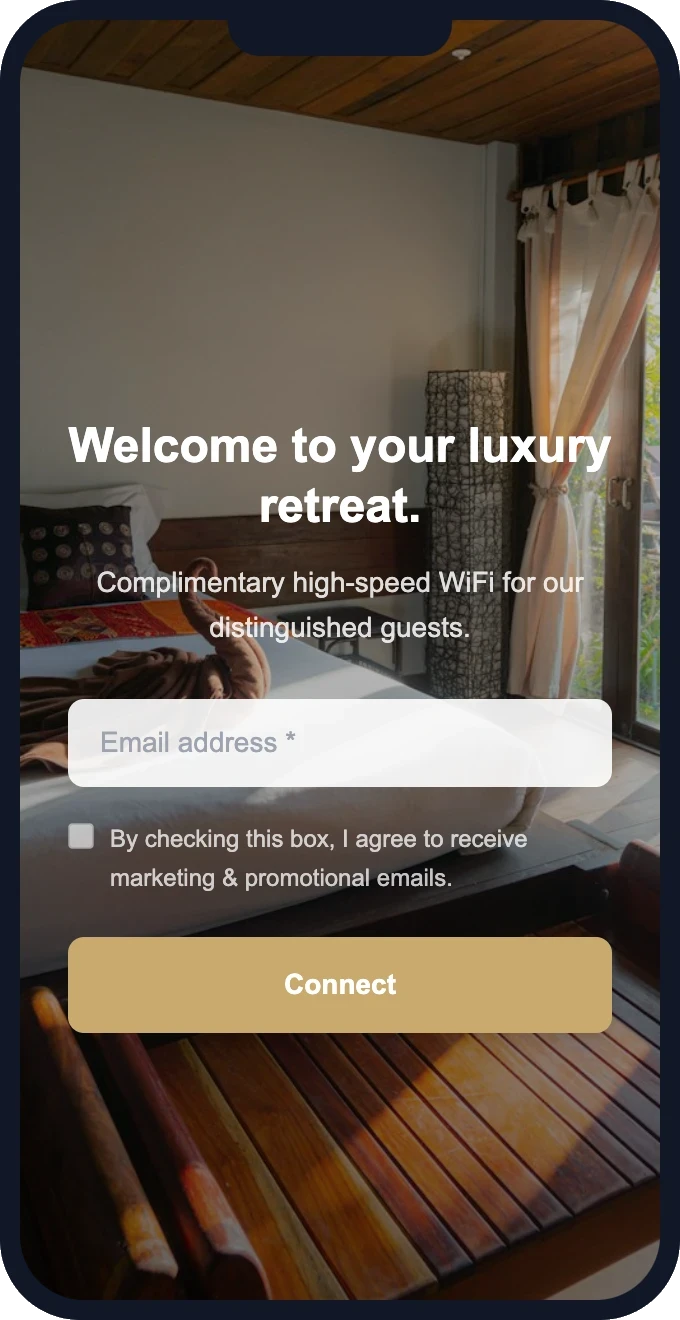
The splash page is the make-or-break moment of WiFi email capture. A well-designed page — branded, clean, and asking for just the right amount of information — converts 70-90% of customers. A generic or cluttered one drops that to 30-40%.
Here's how to design a splash page that works.
What makes a high-converting splash page
1. Your brand, immediately recognizable
Customers should see your logo and colors within the first second. This builds trust — they know it's your WiFi, not a scam. A generic white page with no branding feels suspicious. Your brand makes it feel safe.
2. A clear, friendly headline
Skip jargon. Customers don't care about "network authentication" — they want WiFi. Good headlines:
- "Welcome! Connect for free WiFi."
- "Welcome to [Your Business]. Enjoy complimentary internet."
- "Get connected — enter your email below."
3. Minimal form fields
Email only gets the highest completion rate. Every additional field (name, phone, birthday) drops completion by 5-15%. Our recommendation: start with email only. Add name later if you want personalization. Add phone only if SMS marketing is part of your strategy.
4. One clear button
A single, prominent "Connect" button in a contrasting color. Not "Submit," not "Register" — those feel formal. "Connect," "Get Online," or "Connect to WiFi" are natural and low-friction.
5. A compelling background
A high-quality photo of your space (or a relevant lifestyle image) makes the page feel premium. Pair it with a dark gradient overlay so text remains readable. Templates handle this automatically.
Design mistakes that kill conversion
- Too many fields — asking for name, email, phone, and birthday upfront. Start with just email.
- No branding — a plain white page with a form feels untrustworthy.
- Tiny text or buttons — remember, 80%+ of guests are on phones. Everything must be thumb-friendly.
- "Powered by [vendor]" branding — shows the customer this is a third-party tool, not your branded experience.
- Terms of service wall — a full page of legalese before connecting. Keep consent to a single checkbox.
Ready to see this in action?
Set up takes 15 minutes. Free — we configure everything for you.
Template categories that work
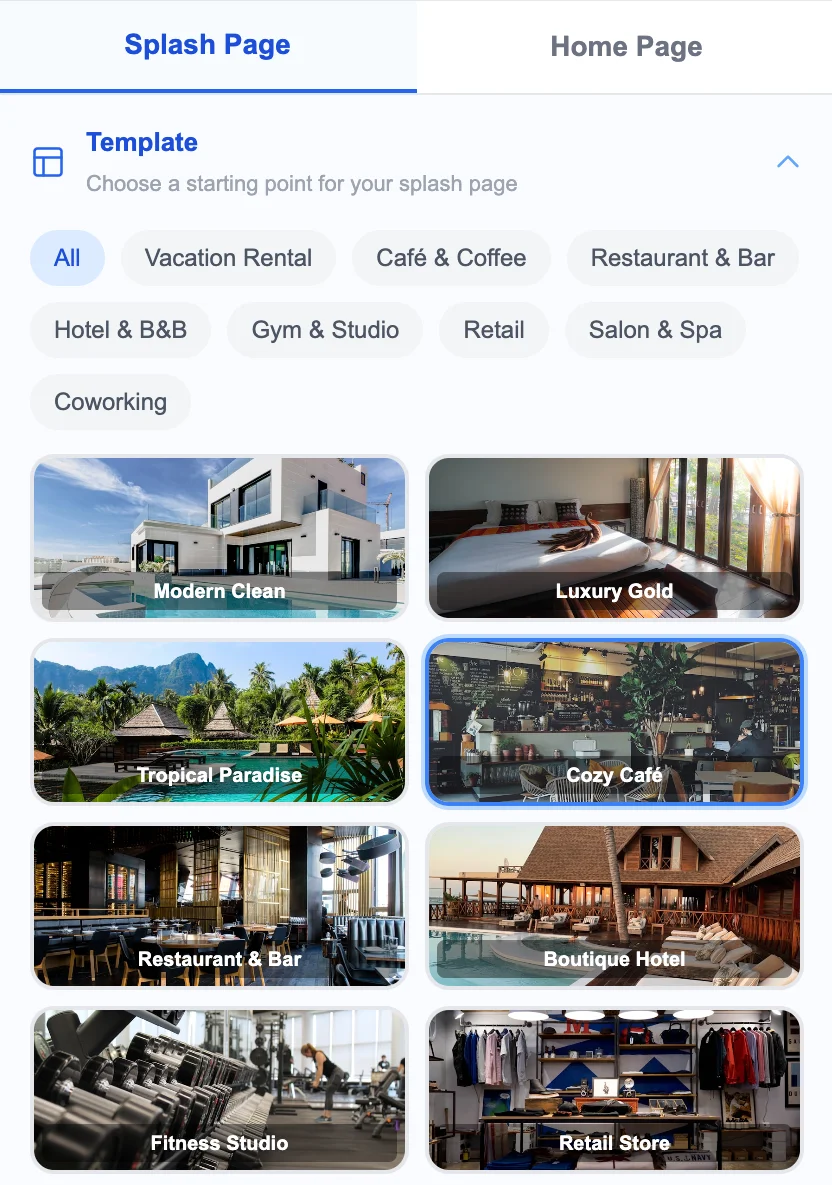
The best splash page builders offer templates tailored to specific business types:
- Modern Clean — white/light backgrounds, minimal. Great for upscale cafés and coworking.
- Luxury — dark backgrounds, gold/warm accents. Hotels, spas, fine dining.
- Tropical — beach/resort imagery. Vacation rentals, island bars.
- Urban — bold, graphic. City restaurants, nightlife, gyms.
- Rustic — warm tones, natural imagery. Cabins, farmhouse restaurants, countryside B&Bs.
- Minimal — no background image, just colors and form. Fast-loading, distraction-free.
What happens after they connect
The best splash page builders also let you design a post-connection homepage — the page customers land on after submitting. This is prime real estate. Use it to show:
- Your menu or current offers
- A "Book Again" or reservation link
- Your social media profiles
- A loyalty program enrollment
Building your splash page with GuestWiFi
GuestWiFi includes 12 designer templates covering every business type. The drag-and-drop editor lets you set your logo, background, headline, button text, and form fields in minutes. Choose what info to collect, configure your consent text, and preview in real-time on both mobile and desktop. No code needed.
Start capturing customer emails today
$15/month per access point. All features included. We set it up for you — free.
Get Started — Free Setup →No credit card required · Cancel anytime